
Author: iptvx

XCIPTV Black Screen on an HDMI Box? Check the Display Path
If XCIPTV has sound but no picture on a box plugged into your TV, press Home on the box remote. Can you see the box’s home screen? That one check tells you whether to start with the whole HDMI connection or with playback inside an app. This guide is for…

XCIPTV on Android TV: Clear Cache Without Resetting Your Setup
Clear cache and Clear data are not the same button. For XCIPTV on Android TV, try the cache-only option first if the app is behaving oddly. Clearing data can reset the app and remove saved settings, so do not use it unless you know how to set up your account…

XCIPTV Black Screen With Sound: Check the Video Format First
An XCIPTV black screen with sound is a clue, not an automatic account failure. The audio reaching your TV tells you something is playing, but the video may still have a separate format, decoding or display problem. Re-entering your login ten times does not test those possibilities. Start with one…

XCIPTV Remote Navigation: Find the Focus Before Replacing the Remote
When XCIPTV remote navigation feels stuck, first check whether the remote is sending input or the app has lost visible focus. Replacing batteries, resetting the app and changing playlists all at once makes those two problems harder to tell apart. What focus means on a television Focus is the item…

XCIPTV Login Works but Channels Won’t Play? Test These Separately
A successful XCIPTV login does not prove that every channel can play. Signing in, receiving a channel list and decoding a video are different steps. Work out which step fails before deleting the app or asking for a different password. XCIPTV's official Google Play listing describes a media player with…

XCIPTV Guide One Hour Off? Check These Before the Clocks Change
If your XCIPTV guide is one hour off, check the device's time zone and the guide source before adding a manual offset. If the channel plays the right show but the guide lists something else, the schedule and the stream may be using different time assumptions.This is worth checking now:…

Discover the Latest Features of Jasper AI in 2026
DISCOVER THE LATEST FEATURES OF JASPER AI IN 2026 Discover the Latest Features of Jasper AI in 2026 - Discover the latest updates and features of Jasper AI in 2026. Learn about its new logo, advanced capabilities, and how it is transforming marketing. In short, this guide explains Jasper AI…
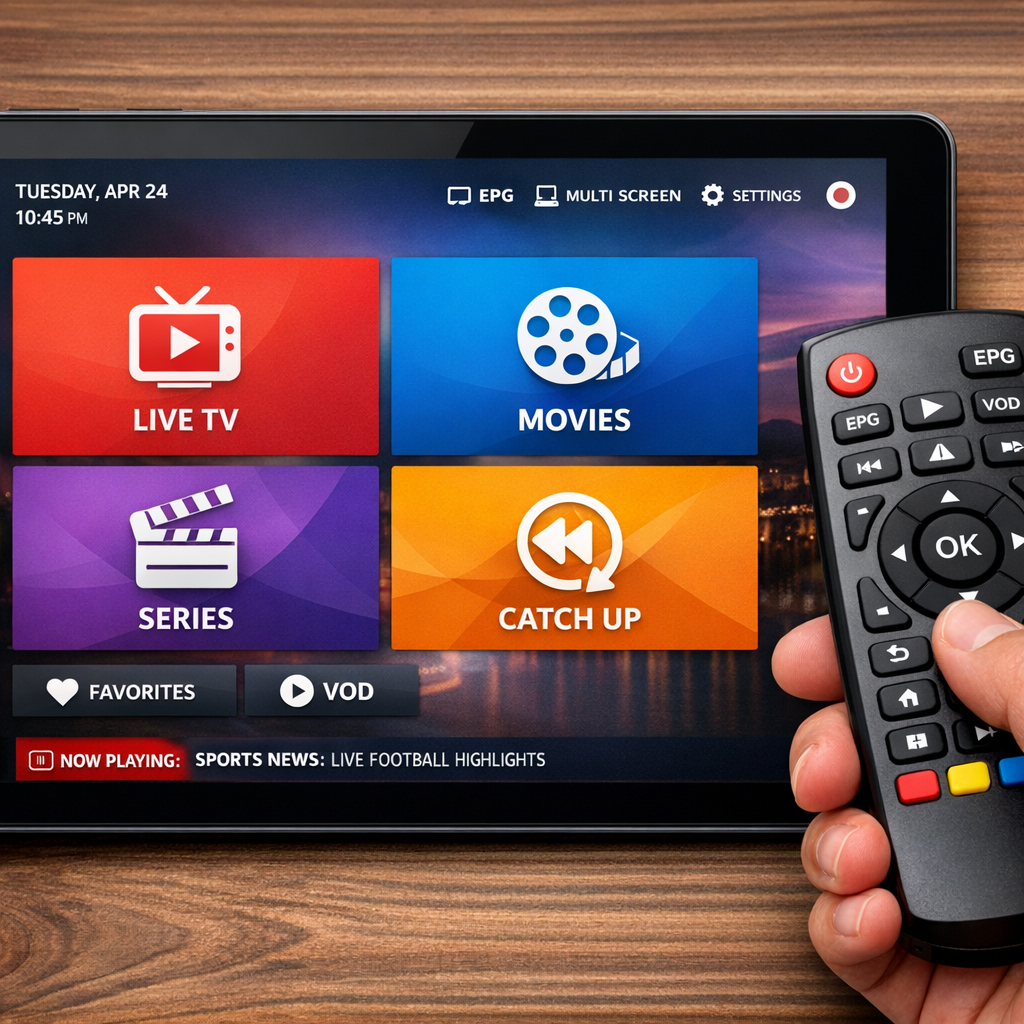
The Ultimate Guide to XCIPTV APK for IPTV Streaming
THE ULTIMATE GUIDE TO XCIPTV APK FOR IPTV STREAMINGThe Ultimate Guide to XCIPTV APK for IPTV Streaming - Discover the features, pros, and cons of the XCIPTV APK. Learn how it compares to other IPTV players and find answers to common questions. In short, this guide explains IPTV XCIPTV APK…
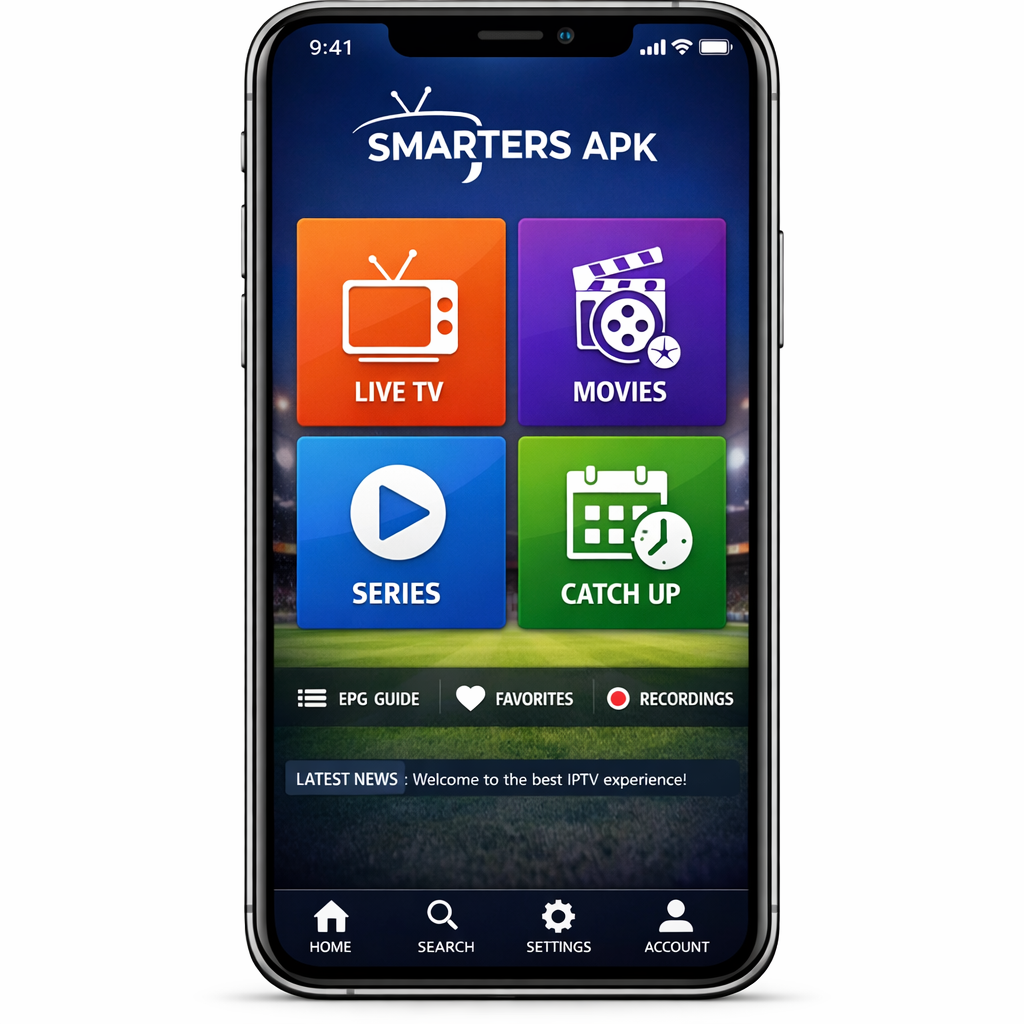
Smarters APK Features: A Comprehensive Guide
SMARTERS APK FEATURES: A COMPREHENSIVE GUIDESmarters APK Features: A Comprehensive Guide - Discover the key features of Smarters APK, a popular IPTV app. Learn how it enhances your streaming experience with user-friendly tools and options. In short, this guide explains Smarters APK features in plain language.Smarters APK features interface on…